How to Query Hyperliquid Data from Claude and ChatGPT
November 18, 2026
By Hyperdash
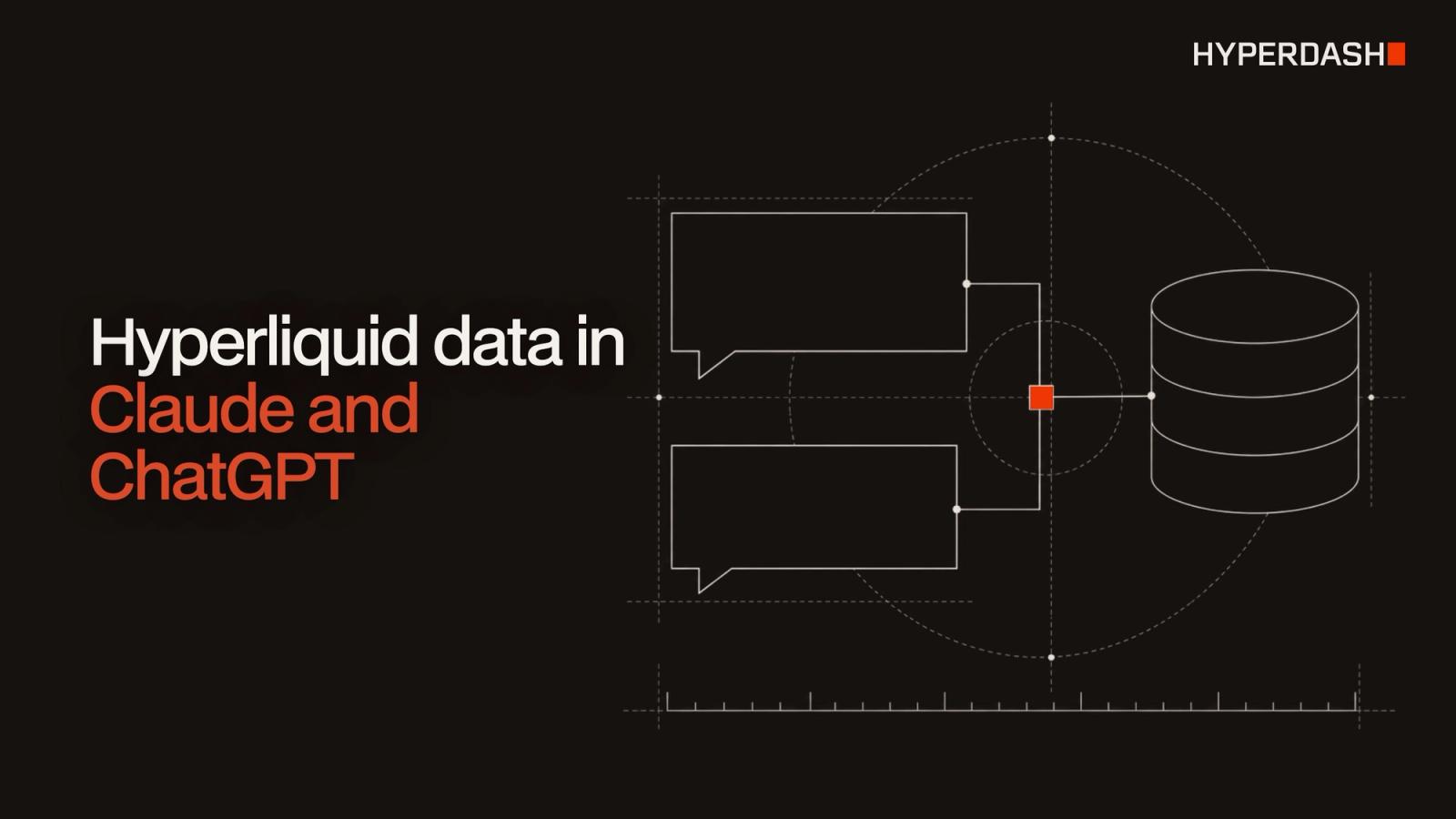
To query Hyperliquid data from Claude or ChatGPT, add the Hyperdash MCP server, https://data.hyperdash.com/mcp, as a custom connector and sign in with your Hyperdash account. The assistant can then answer questions about Hyperliquid markets, liquidations and any wallet's history with live data instead of its training data. The same server works in Claude Code, Codex and Cursor.
This guide covers what the server is, how to connect each client, what to ask, and how to keep an agent's spending under control.
Published
November 18, 2026
Author
Hyperdash
Reading time
5 min read
Category
Data API
What is the Hyperdash MCP server?
MCP, the Model Context Protocol, is an open standard that lets AI assistants call outside tools. The Hyperdash MCP server is a remote server (Streamable HTTP) that gives an assistant one tool for each endpoint of the Hyperdash Data API. It reads from Hyperdash's own Hyperliquid nodes and history store, so answers come from current and historical exchange data.
It also includes a time_window tool that turns "yesterday" or "last week in New York" into exact timestamps, and results that name a wallet link to that wallet's page on hyperdash.com.
The server is read-only. It answers questions about Hyperliquid; it does not place orders or move funds.
How do you connect Hyperliquid data to Claude?
- In Claude, open Settings, then Connectors, and select Add custom connector.
- Name it Hyperdash Data and paste
https://data.hyperdash.com/mcp. - Select Connect and sign in with your Hyperdash account.
- Choose the project and the scopes, then select Approve access.
The connector is saved to your Claude account, so it works on web, desktop and mobile. No API key is involved.
How do you connect Hyperliquid data to ChatGPT?
- In ChatGPT, open Plugins, select +, then Add custom MCP server.
- Paste
https://data.hyperdash.com/mcpand choose OAuth authentication. - Sign in with your Hyperdash account.
- Choose the project and the scopes, then select Approve access.
How do you connect Claude Code, Codex or Cursor?
Coding agents can sign in with OAuth or use an API key. To use a key, create one in the console under API Keys and save it in your shell as HYPERDASH_API_KEY, so it never appears in a chat.
Claude Code:
claude mcp add --transport http --scope user hyperdash-data https://data.hyperdash.com/mcp --header "Authorization: Bearer $HYPERDASH_API_KEY"
To sign in with OAuth instead, leave out --header, run /mcp in Claude Code, pick hyperdash-data and choose Authenticate.
Codex:
codex mcp add hyperdash-data --url https://data.hyperdash.com/mcp --bearer-token-env-var HYPERDASH_API_KEY
To sign in with OAuth instead, leave out --bearer-token-env-var HYPERDASH_API_KEY, then run codex mcp login hyperdash-data.
Cursor: add the server to ~/.cursor/mcp.json, or to .cursor/mcp.json in one project, with the URL https://data.hyperdash.com/mcp and an Authorization: Bearer ${env:HYPERDASH_API_KEY} header. To sign in with OAuth instead, leave out the header, open Cursor Settings, then MCP, and select Connect next to hyperdash-data.
Any other client that supports remote MCP servers works the same way. Full steps for each client are in the MCP server docs, and the console's MCP page has a copy button for each setup.
OAuth or API key: which should you use?
| OAuth | API key | |
|---|---|---|
| Clients | Claude, ChatGPT, and coding agents that support MCP sign-in | Claude Code, Codex, Cursor and other agents that send a header |
| Setup | Sign in to the console and approve one project and its scopes | Create a key in the console and set it as an environment variable |
| Data tools | Every tool the approved scopes allow | Every tool the key's scopes allow |
| Live streams and credit balance | Not available | Available |
| Revoking access | From the console at any time | Revoke the key in the console; it stops working within about 5 seconds |
Never paste an API key into a chat. Keys belong in the client's configuration or an environment variable.
What can you ask about Hyperliquid?
Open a new chat and ask in plain language. These come from the Hyperdash docs:
- Which markets had the most liquidations in the last 24 hours, and which hour was the worst?
- Where are the largest clusters of ETH liquidation levels within 5% of the current price?
- Which wallets opened the largest BTC positions in the last 24 hours, and how has each one traded over the past 90 days?
- Which markets are profitable traders most one-sided on right now?
Wallet questions work for any address: its PnL, open positions, completed trades, funding and risk metrics. For examples of what to look for in a trader, see How to Analyze Trader Performance on Hyperliquid. For more prompts, see the recipes.
How do you get better answers from the agent?
Have the agent read the Data skill first. It teaches the agent which endpoint answers which question and how to page through results. For coding agents, the AI agents guide has a master prompt that connects the server, reads the skill and lists what the agent can now do.
When an agent writes code against the API instead of calling tools, point it at the endpoint index, https://data.hyperdash.com/llms.txt, and the OpenAPI spec. Both are free to read.
How much does the MCP server cost?
The server itself has no separate fee. Every tool call uses credits from your Hyperdash Data workspace, the same as a REST request. Plans start at $20 a month for 500,000 credits; see Plans and limits.
By default, a connection can spend up to your balance. To cap it, open Settings, then Security, then Connected apps in the console, edit the connection and set a credit budget per day or month. A call over a limit is refused without charge. The console's Logs page shows the credits each request used. More in Credits.
FAQ
Is there a Hyperliquid MCP server?
Yes. The Hyperdash MCP server serves Hyperliquid data from Hyperdash's own nodes and covers markets, wallets, liquidations, order books and trader analytics.
Do I need an API key to use Hyperliquid data in Claude or ChatGPT?
No. Claude and ChatGPT connect with OAuth: you sign in with your Hyperdash account and approve access. Coding agents can use either OAuth or a key.
Can the MCP server place trades on Hyperliquid?
No. It is read-only and returns data only. Orders go through Hyperliquid's exchange endpoint, covered in the Hyperliquid API guide.
What is the difference between data.hyperdash.com/mcp and docs.hyperdash.com/mcp?
data.hyperdash.com/mcp serves Hyperliquid data. docs.hyperdash.com/mcp searches the Hyperdash documentation.
Does the MCP server have historical data?
Yes. It has one tool per Data API endpoint, so it reaches the same history as the REST API, within your plan's history depth: 90 days on Hobby and Starter, 180 on Growth, 365 on Scale and full history on Enterprise.
How fast can an agent make requests?
Agent keys and MCP connections default to 5 requests per second with a burst of 10. Requests over the limit return an error and cost nothing.
Get started
Get a Hyperdash Data API key to create a workspace, then add https://data.hyperdash.com/mcp to your assistant. The launch post, Hyperdash Data API Is Live, covers plans and datasets.