Custom Layouts
Build a workspace for every strategy. Drag and resize any widget. Each layout saves to your account.
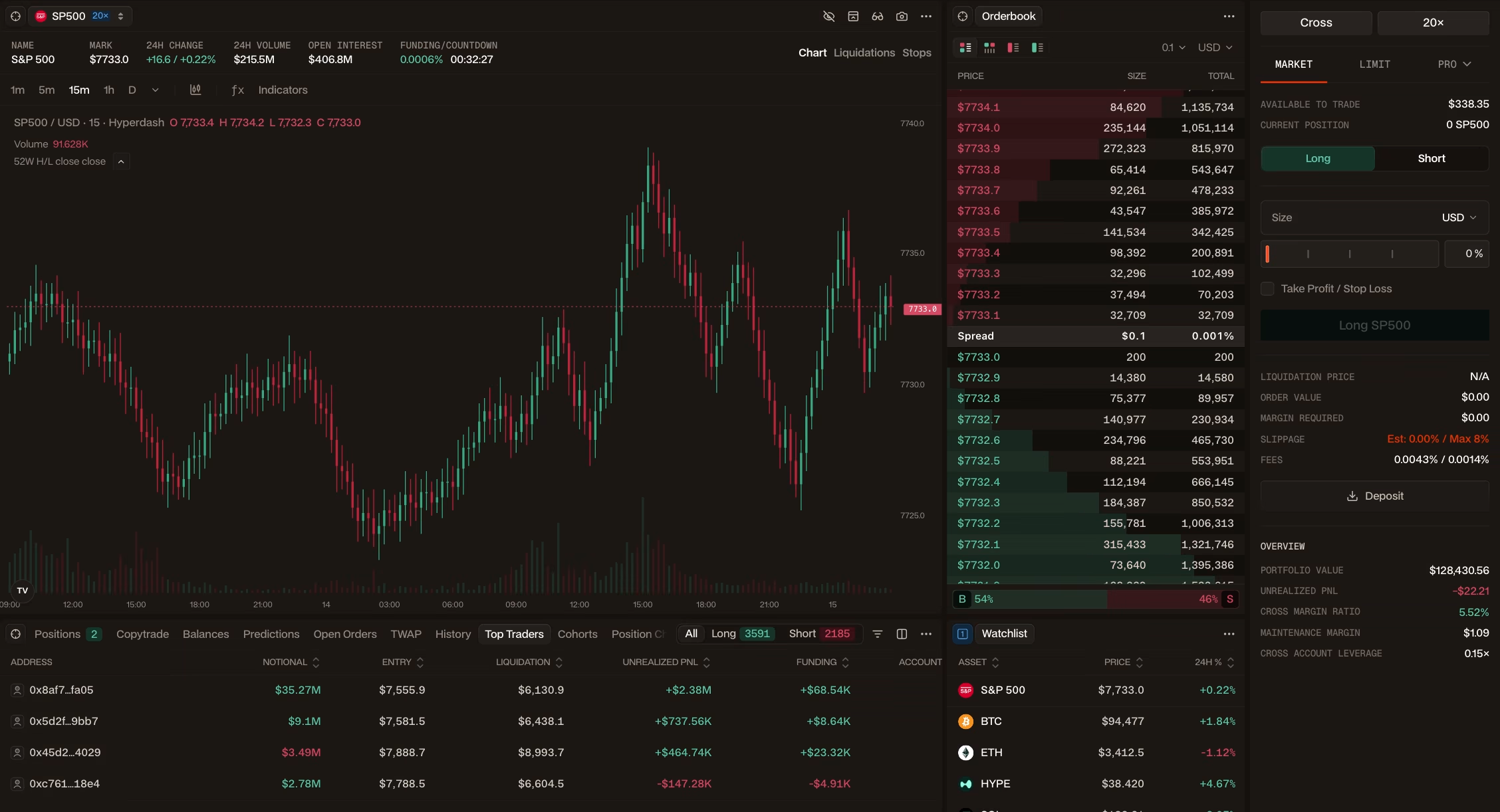
Every panel works together
Stack, tab or pop out any widget. Linked widgets follow the same asset, watchlist or market segment.
 SP500
 GOLD
 ETH
 BTC
 NVDA
 HYPE
 META
 TSLA
 AAPL
 COIN
 AMD
Save a layout for every workflow
Switch between setups anytime, with every layout synced across your devices.
Stay focused on what matters, one chart, full context, ready to trade.
Execute trades from one workspace.
Monitor your watchlist with key indicators and performance metrics.
Monitor your watchlist with key indicators and performance metrics.
Use layout Watchlist Intelligence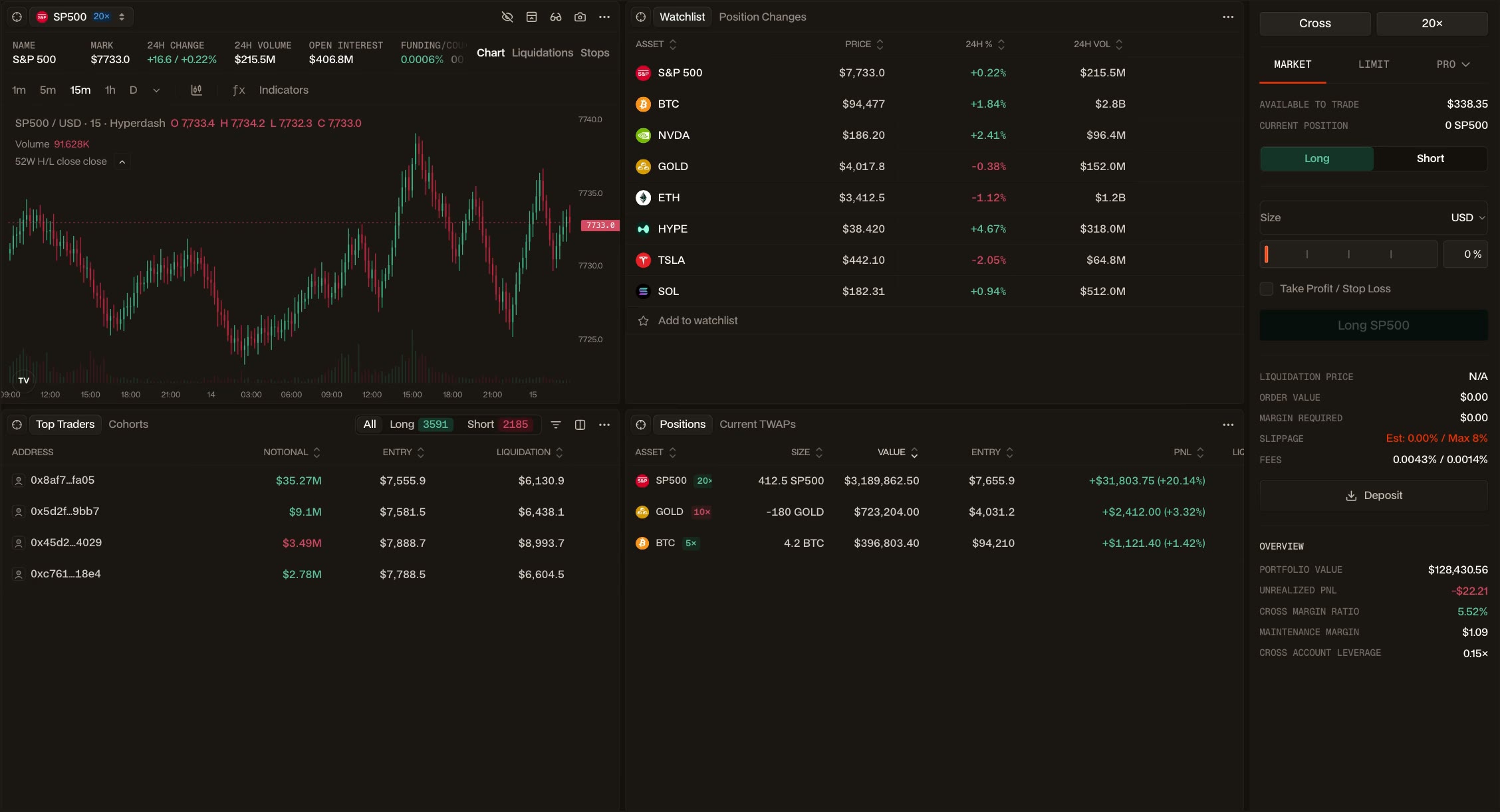


FAQs
View all FAQs- Every panel on Hyperdash is a widget. Widgets include charts, order books, positions, news, liquidations, copytrading, funding, feeds and alerts.
- As many as you need. Switch between them from the header and each one keeps its settings.
- No. Layouts are saved to your account. The same layout loads on every device you sign in from.
- No. Each widget streams its own data. Adding a widget does not slow the ones already open.
Start trading
Trade smarter from a workspace built around your strategy. Start from a preset or build your own.