How to Find Traders Worth Copying on Hyperliquid
November 18, 2026
By Hyperdash
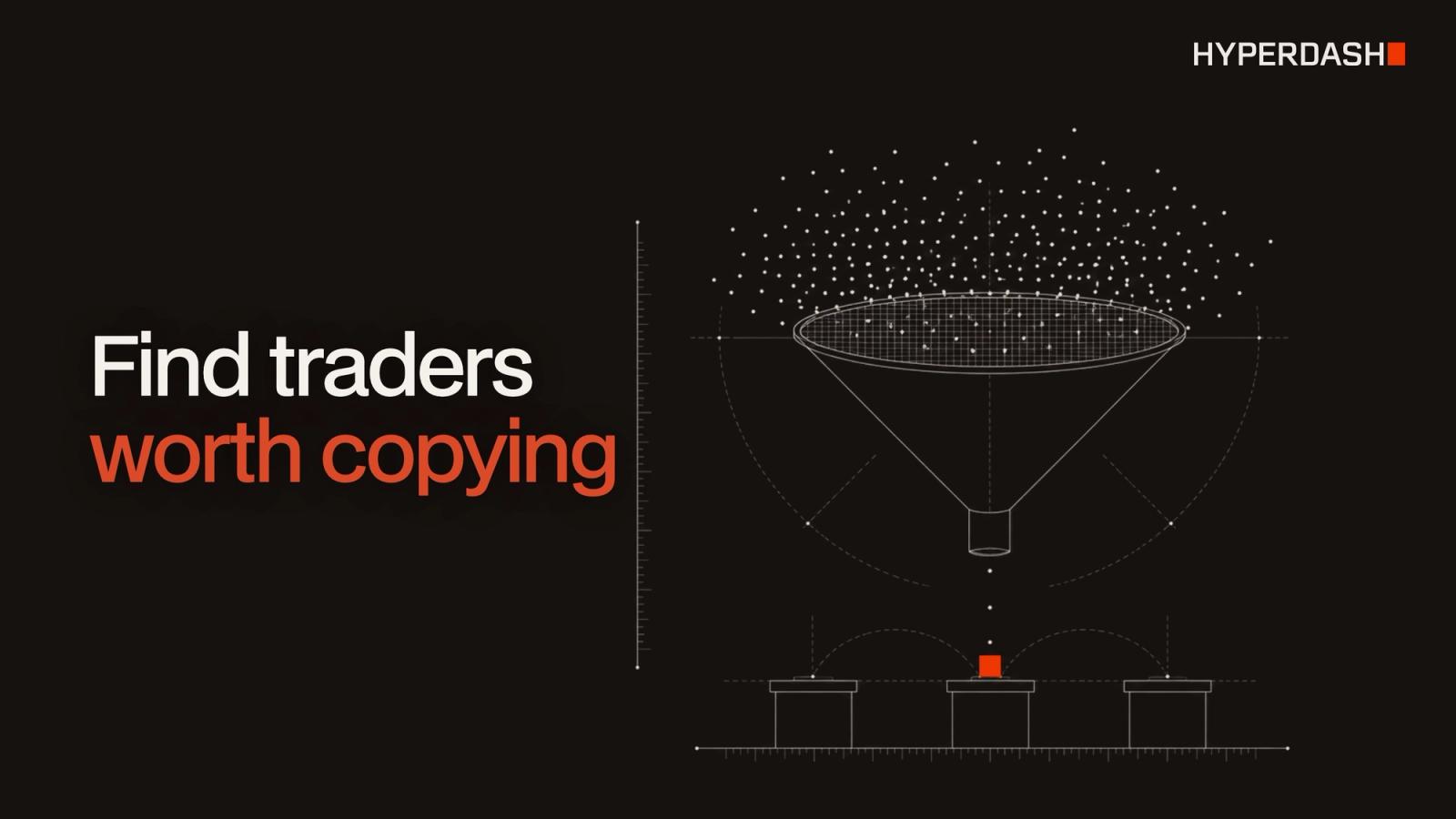
A trader worth copying on Hyperliquid has made money over a meaningful period without large drawdowns, with enough trades to show it was not luck. Start from the top traders by 30-day PnL, rank them by a risk-adjusted measure such as copy score or Sharpe ratio, and remove anyone whose account fell more than about 30% from its peak. Every Hyperliquid wallet is public, so all of this can be checked before you copy a single trade.
This guide covers the metrics that matter, the red flags, and three ways to build a shortlist: in the Hyperdash app, with the Hyperdash Data API, and by asking an AI chat.
Published
November 18, 2026
Author
Hyperdash
Reading time
7 min read
Category
Tools & Data
Why can you copy any trader on Hyperliquid?
Hyperliquid is an on-chain exchange, so every wallet's positions, orders and fills are public. Hyperdash, a global trading platform and data analytics company, ranks those wallets and lets you mirror one directly from its Copy Trading feature. For the basics of how copying works and what can go wrong, see What Is Copy Trading.
Which metrics matter when choosing a trader to copy?
PnL alone ranks the luckiest traders as highly as the most skilled. Look at profit, risk and sample size together.
| Metric | What it tells you | What to look for |
|---|---|---|
| 30-day PnL and ROI | Recent profit, in dollars and relative to account size | Positive, and not driven by a single trade |
| Copy score | Hyperdash's 0 to 100 rating of how copyable a trader is | 70 or above shows green; 45 to 69 yellow; below 45 red |
| Sharpe and Sortino ratio | Return per unit of volatility (Sortino counts only downside) | Higher is better; compare over 30 days and longer |
| Max drawdown | The largest fall from a peak in account value | Under about 30% is a common cut-off |
| Number of trades and win rate | Whether results rest on enough trades to mean something | Dozens of trades, not a handful |
| Leverage and margin use | How much risk each position carries | Leverage you would be comfortable holding yourself |
| Markets traded | Where the PnL comes from | Markets you understand and can trade at their size |
The trader performance guide explains each of these measures in more depth, and How to Analyze a Trader's Wallet shows what to read on a single wallet before you follow it.
What are the red flags?
- One trade made the month. If most of the 30-day PnL came from a single position, the record says little about the next month.
- Very few trades. A high win rate over five trades is not a pattern. A grey copy score means there is not enough history to score yet.
- High drawdown. A trader who fell 50% from a peak can fall 50% again, and your copy wallet falls with them.
- Algorithmic accounts. Hyperdash shows a warning when you copy a trader tagged as algorithmic, because copying may not match their results when their edge depends on execution speed.
- Leverage you would not use. Copy trading mirrors the position; it does not mirror the trader's experience managing it.
- Thin markets. A trader who profits in small markets may move the price; your copy of the same trade will fill worse.
How do you find traders to copy in the Hyperdash app?
- Open Explore and go to the Copytrading section. It ranks the top 100 copyable traders, with curated tabs such as Equities Focused and the top BTC, HYPE and CL (crude oil) traders.
- Sort by copy score, ROI, equity or recent activity. Each card shows ROI, equity and volume.
- Click an address to open the trader drawer: PnL, ROI, account value, volume, trades and copy score for 24 hours, 7 days, 30 days or all time, plus a PnL chart, open positions and performance by asset. Full Profile opens the complete wallet page.
- Cross-check with the Leaderboard, which ranks the top 100 traders by PnL in every market and timeframe.
- Choose Copytrade to mirror the trader, or Countertrade to take the opposite side.
To watch what the best traders are doing without copying them, use Cohorts and Position Changes. Position Changes compares each wallet's position at the start of the window with its position now, with the biggest buyers first, as covered in Why Every Trader Needs to Understand Position Changes. For alerts on large wallets, see the whale tracker guide.
How do you set up copy trading safely?
| Setting | What it does | Default |
|---|---|---|
| Target traders | Up to 10 addresses per wallet, equal or custom weights | Equal weights |
| Max position leverage | Caps copied positions even when the trader uses more, 1x to 40x | 20x |
| Leverage multiplier | Copies a multiple of the trader's positions, 0.1x to 5x | 1x |
| Only copy newly opened positions | Skips positions already open when copying starts | Off |
| Max worse entry | How much worse your entry can be than the trader's, 0% to 50% | 10% |
| Asset filters | Whitelist or blacklist specific markets | All assets |
Copy trading places real orders from a dedicated wallet; it is not an alert feed. You can let Hyperdash create the wallet and fund it from your primary wallet, or connect your own wallet holding at least $100 USDC. Copy trading orders carry a builder fee of up to 0.05% on top of standard exchange fees. Stopping a copy wallet always closes its open positions. The Hyperdash vs eToro comparison covers how this differs from copy trading at a broker.
How do you find traders to copy with the Hyperdash Data API?
The Hyperdash Data API exposes the same rankings, so you can build your own screen. These three requests follow the Find traders worth copying recipe.
1. List the top traders by 30-day PnL. Each row carries copy score, 30-day Sharpe ratio and max drawdown.
curl "https://data.hyperdash.com/v1/traders/screener?sort=pnlPerpMonth&limit=30" -H "Authorization: Bearer $HYPERDASH_API_KEY"
2. Break down one trader's copy score.
curl "https://data.hyperdash.com/v1/accounts/0xADDRESS/copy-score" -H "Authorization: Bearer $HYPERDASH_API_KEY"
3. Check longer-term risk. Sharpe and Sortino over 30 to 365 days, and max drawdown over 7 to 365 days.
curl "https://data.hyperdash.com/v1/accounts/0xADDRESS/risk-metrics" -H "Authorization: Bearer $HYPERDASH_API_KEY"
| Endpoint | Returns |
|---|---|
| GET /v1/traders/screener | Every ranked trader's PnL windows, win rates, Sharpe and Sortino, drawdowns and copy score |
| GET /v1/traders/groups/{group} | Hyperdash's copytrading groups |
| GET /v1/accounts/{address}/copy-score | Copy score and its factors |
| GET /v1/accounts/{address}/risk-metrics | Sharpe, Sortino and drawdowns |
| GET /v1/accounts/{address}/stats/by-market | Trading statistics per market |
| GET /v1/accounts/batch/stats | Trader statistics for up to 100 wallets at once |
How do you find traders to copy by asking an AI chat?
Connect Claude, ChatGPT or Cursor to the Hyperdash MCP server and ask in plain language. The recipe's prompt:
Find 20 Hyperliquid traders worth copying. Start from the top traders by 30-day PnL, rank them by copy score, and show each one's Sharpe ratio and max drawdown. Leave out anyone with a drawdown over 30%.
The assistant calls the screener, copy score and risk endpoints itself and returns a ranked table. Add "Build it as an interactive dashboard in a local HTML file" to get a chart of PnL against drawdown.
FAQ
Can you copy trade on Hyperliquid?
Yes. Hyperdash's Copy Trading feature mirrors the perp positions of up to 10 traders from a dedicated wallet, automatically and in real time.
What is a good copy score?
Hyperdash rates traders from 0 to 100. Scores of 70 and above show green, 45 to 69 yellow and below 45 red. A grey score means there is not enough trading history yet.
How much does copy trading cost on Hyperdash?
Copy trading orders carry a builder fee of up to 0.05%, plus standard Hyperliquid trading fees. Copy trading volume does not earn cashback.
What is countertrading?
Countertrading takes the opposite side of a trader's positions. It is set up the same way as copytrading.
Do I keep custody of my funds?
With a connected wallet, yes: Hyperdash trades it through an API wallet that expires after 180 days. A wallet Hyperdash creates is managed under your Hyperdash account.
Why might my results differ from the trader's?
Entries fill after the trader's, at a different price, and your settings (leverage cap, multiplier, max worse entry) change position sizes. Fast or algorithmic strategies are the hardest to copy.
How often is the trader data updated?
Leaderboards rebuild every 5 to 15 minutes. Trader statistics, risk metrics and copy scores are recomputed about once a day per wallet.
This guide is for information only and is not investment advice. Past performance does not predict future results, and copied positions can lose money.